Blogs and Insights
Read other blogs
A value-first ecosystem shaped for purpose, use, and long-term asset strength.

.svg)
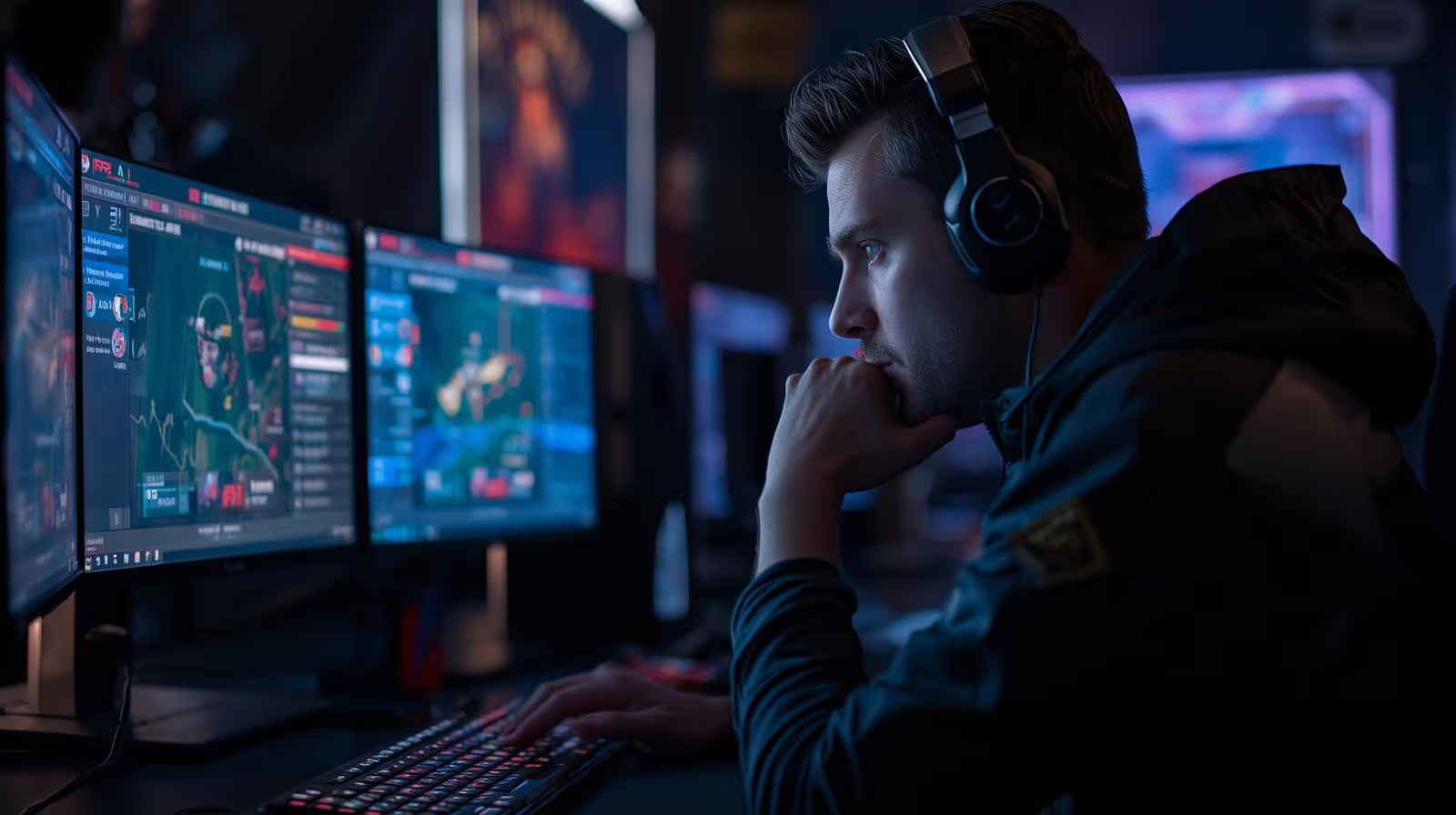
You can have clean crosshair placement and perfect timing, then lose a fight because your PC hitches for half a second. At a LAN, that half second feels like someone tugged your mouse cable.
This guide is built around one idea: an under-$800 setup that plays esports titles at 1080p with high, steady FPS, low input lag, and the kind of reliability you can trust in a warm room full of PCs. “Winning” here doesn’t mean fancy lighting or max graphics, it means your frame pacing stays smooth when the round gets messy.
If you want a practical build that shows up again and again at local tournaments, this is it.
A LAN-ready PC has a simple job: run your game at a high refresh rate without surprises. That means:
1080p is the sweet spot for competitive play on a budget. It keeps GPU load reasonable, makes high FPS easier, and pairs well with common 144 Hz and 240 Hz monitors. At LANs, most players also tune settings for clarity, not eye candy. If a shadow setting makes corners harder to read, why pay frames for it?
A lot of people shop for “FPS” like it’s one number. It’s not. Three numbers tell the real story.
Average FPS is your general speed. It’s what you see in benchmarks and brag posts. It matters, but it can hide stutters.
1% lows are the rough moments, the slowest frames that happen during heavy action. If your 1% lows tank, you feel it as “random lag” right when you swing, spray, or track.
Frametime consistency is how evenly frames arrive. Think of it like footsteps in a hallway. Even steps feel smooth. Uneven steps feel like stumbling. Smooth frametimes make aiming feel predictable, which is what you want when you’re micro-correcting on a head hitbox.
Practical targets help you buy smarter:
Online, your room might be cool and quiet. LANs are different. Many venues run warm, sessions go long, and dust gets kicked up by foot traffic. Your PC sits close to others, pulling in hotter air. That’s when weak cooling shows itself.
When a CPU or GPU gets too hot, it can throttle (slow down to protect itself). Your FPS drops, and worse, it drops at the exact wrong time. You also see crashes that never happened at home because heat exposes the weak link.
Power quality matters too. A bargain-bin power supply can cause strange issues that look like “Windows being Windows,” like:
If you only upgrade two “boring” things for LAN reliability, make it airflow and a decent PSU. Give the case at least two front intakes, keep cables tidy, and don’t gamble on a no-name unit.
The pattern is consistent: a strong value 6-core CPU, a modern midrange GPU, dual-channel RAM, and an NVMe SSD, all inside an airflow case with a reputable power supply. You’re paying for performance you can feel, not parts you only see in a windowed side panel.
The core pairing that hits this budget well is:
That combo is popular because it’s balanced. The CPU can feed high frame rates in esports titles, and the GPU has enough headroom for clean 1080p output without forcing you into risky used hardware.
Prices move week to week, and they swing hard around sales. So instead of pretending one exact total is “the price,” use targets. If one part is over target, adjust elsewhere without breaking the build.
Here’s a solid under-$800 plan with sensible ranges to aim for:
If you’re trying to keep the total under control, ask yourself a blunt question before every purchase: will this part raise my FPS, lower stutters, or reduce LAN risk? If the answer is no, it’s a want, not a need.
Exact FPS varies with map updates, drivers, background apps, and even the venue’s heat. Still, you can set honest expectations if you stick to competitive settings.
Counter-Strike 2 (1080p competitive settings): CS2 can be CPU-heavy and it can spike in busy fights. With a Ryzen 5 5600 and a midrange GPU, many players aim for a feel that stays responsive through smokes, mollies, and fast rotates. You’ll often see high frame rates in lighter moments, then drops during chaotic executes. The goal is not perfection, it’s avoiding sudden dips that change your spray control.
Valorant (1080p low to medium): Valorant is well known for running at very high FPS on modest hardware. With this build, it’s realistic to expect frame rates that pair well with 240 Hz monitors, as long as you keep background apps quiet and avoid heavy recording settings.
League of Legends (1080p competitive): LoL is usually far above high refresh targets on this class of PC. Here, stability is more about keeping your system clean and your frametimes smooth than raw GPU power.
The settings mindset that wins at LANs is simple:
If your PC runs hot, your “best” settings on paper can become the worst settings in a crowded room.
A good PC build gets you most of the way there. LAN-proofing is what keeps you from losing to avoidable problems, like a loose cable or a driver update that lands at the worst time.
For esports, the monitor is part of your input chain. A strong PC feeding a weak monitor is like a sports car on cheap tires.
If you’re building around 1080p, a 144 Hz monitor is the baseline sweet spot, and 240 Hz is worth it if you already play on low settings and care about flick timing. When you shop, look for:
Peripherals don’t need to be expensive, but they must be consistent.
And if you’re thinking of changing mouse shape a week before a tournament, ask yourself if you’d change your keyboard layout the same week. Familiar gear wins more fights than “new and shiny.”
LAN performance is half hardware, half prep. Do the boring stuff before you pack.
A few days before the event
The night before
Pack these, even if you think you won’t need them
The first time you fix a problem in two minutes while the next team is still hunting for a cable, you’ll feel the advantage.
An under-$800 setup can win LANs because most matches aren’t lost to a lack of RGB, they’re lost to stutters, heat, and unstable power. Build for steady 1080p FPS with a strong 6-core CPU, a sensible midrange GPU, dual-channel RAM, an NVMe SSD, a reputable 80+ Bronze PSU, and an airflow case with real fans. Start by price-checking the GPU, lock the rest of the parts around it, then test your temps and settings like you’re already at the venue. When the room gets hot and the rounds get loud, stable frametimes feel like a skill boost you didn’t have to practice.
Blogs and Insights
A value-first ecosystem shaped for purpose, use, and long-term asset strength.


.svg)